
Pudsey Bear
Full Member
- Posts
- 25,298
- Likes
- 42,874
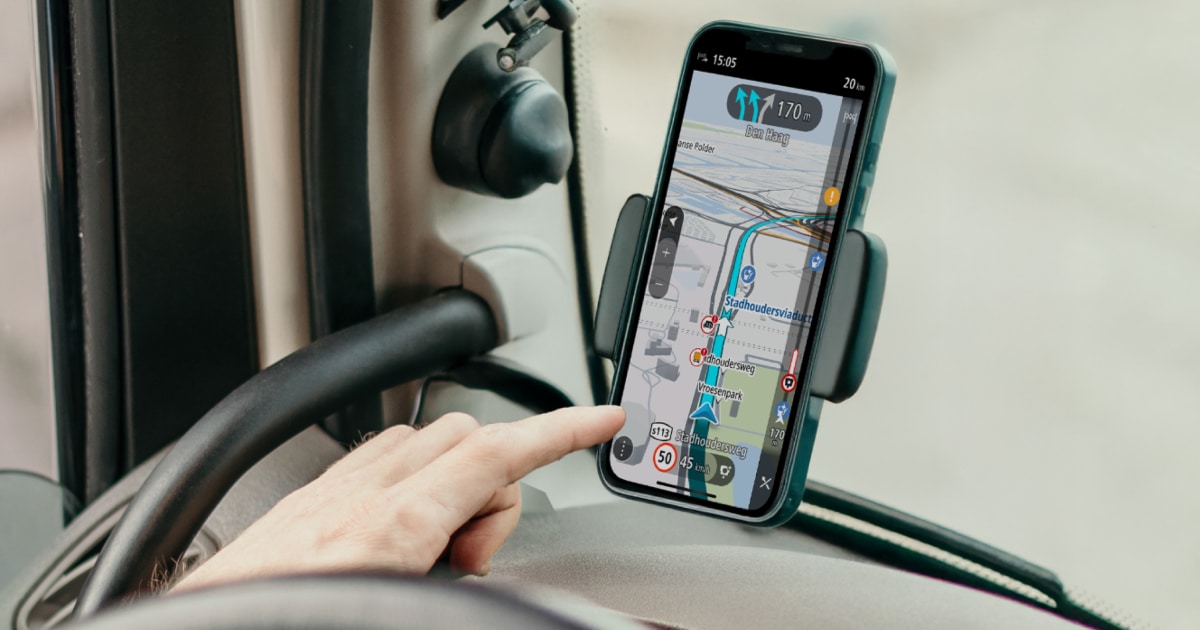
I looked into upgrading my CoPilot to the truck/motorhome version, and wanted your views if you had done it, not so much the cost, but if it did a good job of keeping you on a good route, avoiding low bridges, etc, Liz normally does the look out for signs, but she's getting old and may need replacing soon.
Google gave the following info:-
Where to Find Settings
Dimensions You Can Set
The CoPilot Truck version typically requires a subscription, costing approximately £84.99 to £90 per year in the UK. You can also test the features with a 14-day free trial available on the Play Store.
Routing Accuracy
CoPilot uses the industry-standard PC*MILER routing engine, specifically designed to calculate safe, truck-legal paths based on vehicle height, weight, and length.
Are you driving a heavy goods vehicle (HGV) or a large motorhome, as that might change which specific profile settings you need?
Are you driving a heavy goods vehicle (HGV) or a large motorhom. WHY?
I asked because CoPilot treats these vehicles differently in its routing logic. Selecting the wrong one can lead to frustrating or even illegal route suggestions.
The app uses distinct Vehicle Routing Profiles for each:
Key Differences at a Glance
Tip: If you are driving a large motorhome over 3.5t, many users recommend using the RV/Caravan profile but customising the dimensions to ensure you don't get the overly complex commercial "truck" alerts.
What is the approximate weight of your vehicle? (This helps determine if you'll face specific weight-limit detours in the app).
Google gave the following info:-
Where to Find Settings
- Open the Main Menu (the three-line icon) and tap the Settings gear.
- Select Vehicle Routing Profiles.
- Choose your vehicle type (e.g., RV/Caravan or Truck). If you don't see your specific type, tap View/Edit or Create Custom Profile.
- Navigate to Vehicle Dimensions.
Dimensions You Can Set
- Height: The tallest part of your vehicle.
- Width: The widest part, typically including mirrors.
- Total Length: The longest "straight length" (if towing, enter the longer of the two vehicles).
- Total Weight: The gross vehicle weight rating (GVWR).
- Axle Weight/Hazmat: Available in Truck or Heavy Duty profiles for specialised routing.
The CoPilot Truck version typically requires a subscription, costing approximately £84.99 to £90 per year in the UK. You can also test the features with a 14-day free trial available on the Play Store.
Routing Accuracy
CoPilot uses the industry-standard PC*MILER routing engine, specifically designed to calculate safe, truck-legal paths based on vehicle height, weight, and length.
- Pros:
- Low Bridge Avoidance: Highly effective at avoiding restricted roads and height hazards that standard car GPS apps ignore.
- Offline Reliability: Maps are stored directly on your device, meaning routing remains functional even in areas with no mobile signal.
- Professional Trust: It is widely used by commercial fleets for accurate mileage and professional-grade turn-by-turn directions.
- Cons:
- Occasional Errors: Like any sat-nav, it is not 100% infallible. Some users have reported issues with routing through narrow "country lanes" or zig-zagging to save minimal time.
- Mapping Lag: If a local authority hasn't officially updated road restrictions, the app may not know about them yet.
- Technical Glitches: Some users of recent versions (v11) have noted bugs in the interface and inconsistent route planning.
Are you driving a heavy goods vehicle (HGV) or a large motorhome, as that might change which specific profile settings you need?
Are you driving a heavy goods vehicle (HGV) or a large motorhom. WHY?
I asked because CoPilot treats these vehicles differently in its routing logic. Selecting the wrong one can lead to frustrating or even illegal route suggestions.
The app uses distinct Vehicle Routing Profiles for each:
- Truck (HGV) Profile:
- Focus: Prioritises interstates and major highways while strictly avoiding local or residential streets unless necessary for the final destination.
- Restrictions: Accounts for commercial legalities like hazmat restrictions and specific HGV speed limits.
- Manoeuvres: Heavily restricts sharp turns and U-turns that a trailer or large lorry cannot manage.
- RV / Caravan (Motorhome) Profile:
- Focus: Designed for leisure travel, allowing for more secondary and local roads than a commercial truck profile would.
- Safety: Still avoids low bridges and narrow roads based on your dimensions, but won't force you onto motorways if a scenic "A" road is safe.
- Weight Sensitivity: If you set your weight over 3.5 tonnes (Private HGV class), the app might avoid certain weight-restricted routes, which can sometimes result in longer detours even if "access" is allowed.
Key Differences at a Glance
| Feature | Truck Profile | RV / Caravan Profile |
|---|---|---|
| Primary Goal | Efficient commercial delivery | Safe leisure travel |
| Road Preference | Heavily favours motorways | Balanced (A/B roads allowed) |
| Legal Logic | Hazmat & commercial regs | Standard/Private vehicle regs |
| Manoeuvrability | Max turning circles required | Moderate turning circles |
What is the approximate weight of your vehicle? (This helps determine if you'll face specific weight-limit detours in the app).